



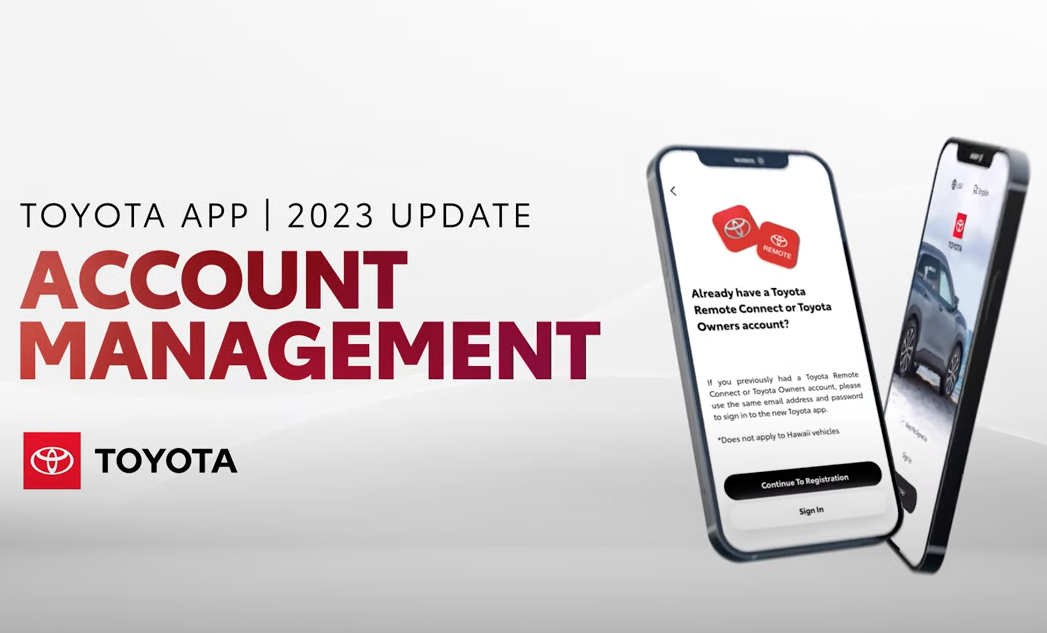
Watch to learn how to change personal information, manage notifications, add/remove a vehicle, and other account settings in the Toyota App. For help downloading the app, watch our App Overview video:
Getting Started
1.) Download the “Toyota” app here – https://www.toyota.com/connected-services/toyota-app/
2.) Sign in using your Toyota Owners credentials or create a new account.
3.) Add your vehicle and explore the Toyota App.
Feature available for most of the following models: 4Runner, Avalon, bZ4X, C-HR, Camry, Corolla, FJ Cruiser, GR Supra, GR 86, Highlander, Land Cruiser, Matrix, Mirai, Prius, RAV4, Sequoia, Sienna, Tacoma, Tundra, Venza, Yaris
Applicable to models of the following years: 2010, 2011, 2012, 2013, 2014, 2015, 2016, 2017, 2018, 2019, 2020, 2021, 2022, 2023
![[Facebook]](https://www.passporttoyota.com/blogs/716/wp-content/plugins/bookmarkify/facebook.png)
![[LinkedIn]](https://www.passporttoyota.com/blogs/716/wp-content/plugins/bookmarkify/linkedin.png)
![[Twitter]](https://www.passporttoyota.com/blogs/716/wp-content/plugins/bookmarkify/twitter.png)
![[Yahoo!]](https://www.passporttoyota.com/blogs/716/wp-content/plugins/bookmarkify/yahoo.png)
![[Email]](https://www.passporttoyota.com/blogs/716/wp-content/plugins/bookmarkify/email.png)
Connect with us


